For guests
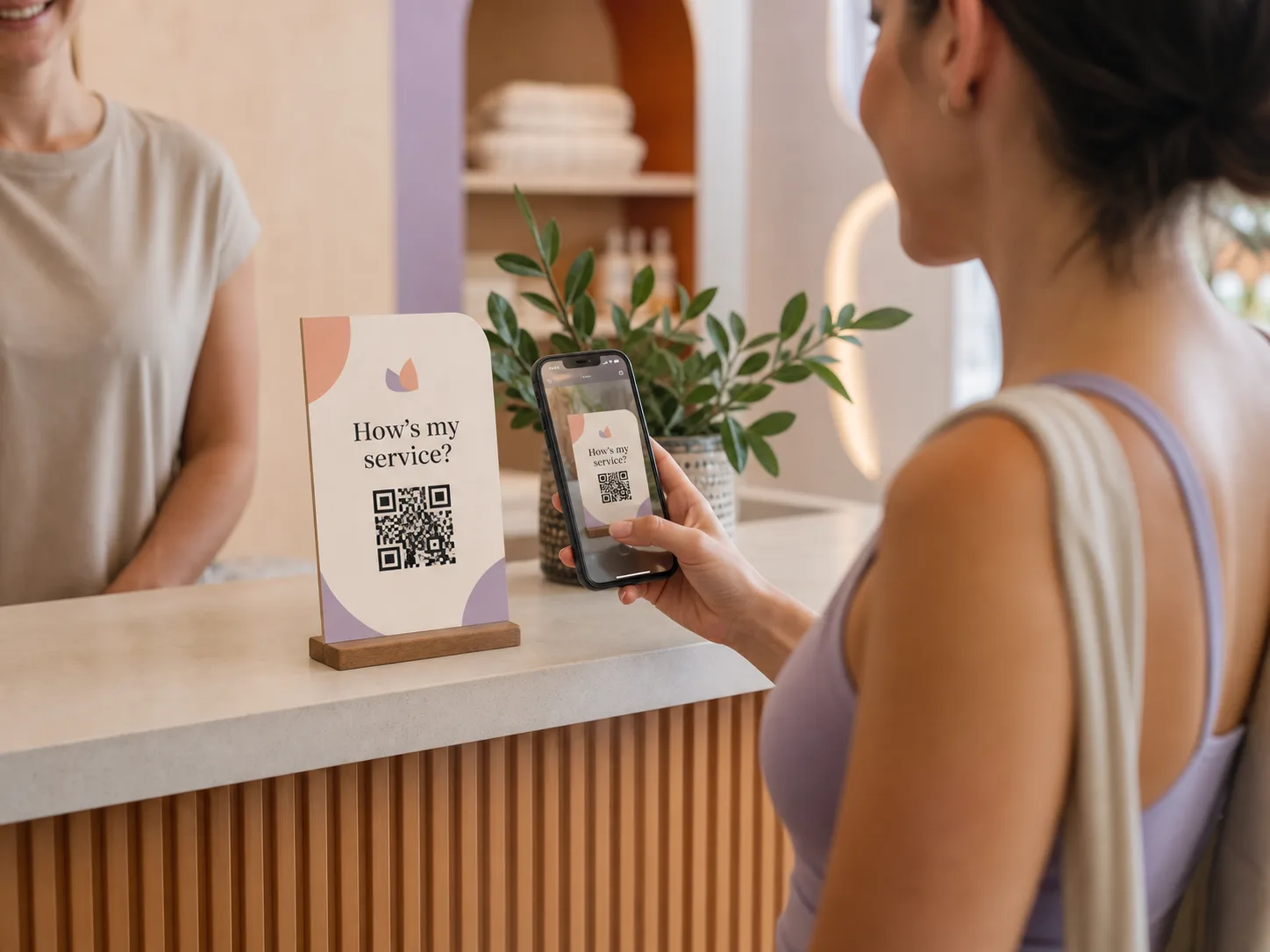
Scanned an Aplauso code? Here is what happens.
Someone gave you great service and offered a simple way to say so. It takes a moment, it works in your browser, and a tip is always your choice.
The connected product loop
Recognition, service context, and supported follow-up.
Three short steps
From scan to thank you.
The whole flow is designed to finish while the service is still fresh.
- 1
Scan or tap
A Reward Code or link opens a page in your phone browser. There is nothing to download and no guest account to create.
- 2
Rate the service
The page names the person or team you are recognizing and asks one clear question. Rating and written feedback are free.
- 3
Tip only if you want to
After the rating you can leave a tip with Apple Pay, Google Pay, or a card. You can also stop at the rating.
What to expect
Clear for you, fair to the person who served you.
- No app, no account
- The guest flow runs in your mobile browser from a Reward Code or link.
- Tipping is always optional
- A rating never requires a tip, and guests never pay to rate or leave feedback.
- The whole tip reaches the person you chose
- 100% of your tip goes to the person or team shown on the page. A small service charge that covers processing is added and shown before you confirm.
- A low rating stays private
- A low rating opens a private feedback path to the business instead of a public review.
Guest questions
Questions guests ask
Do I need to download anything?
No. Guests do not need the Aplauso app or a guest account. The page opens in your mobile browser.
Do I have to tip?
No. Tipping is always optional, and rating or leaving feedback is free.
How can I pay a tip?
With Apple Pay, Google Pay, or a card.
Does the person I tip receive all of it?
Yes. 100% of the tip goes to the person or team you chose. You pay a small service charge on top that covers processing, and you see it before you confirm.
Who receives my recognition?
The person or shared-service team named on the page you opened. If the name does not match who served you, do not continue and ask the business.
Something went wrong. Where do I get help?
Visit support.aplauso.io or use the contact page. Include the name shown on the page and the approximate time so the team can find the right record.
Curious how it feels?
Try the guest experience yourself.
The interactive demo walks through the same rating and optional tip flow a guest sees, with no payment taken.